How it works
An oral exam, step by step
From the student’s, the supervisor’s and the teacher’s point of view – exactly as it runs in the working pilot.
The six steps of an exam session
- 01
Login and exam mode
The student logs in with an assigned exam ID and chooses to answer with notes or speaking only. The choice applies to that exam session.
- 02
Device check
The student listens to a test sentence, checks the microphone level and confirms having read the on-site recording notice.
- 03
Topic draw
The student picks from face-down topic cards. The server assigns the topic at random and the draw happens once. The interface fits a set of 20–30 topics to the available screen.
- 04
Preparation
The title and task of the drawn topic stay clearly visible. Preparation and exam time are configured separately, the remaining time is always shown, and the answer can begin before preparation time runs out.
- 05
Answer
First comes a self-directed exposition, then the examiner asks short, targeted follow-up questions based on what was said. Questions can be replayed. The student can signal that the answer is finished or that they do not know, and can ask the supervisor for help. Closing the whole exam requires a separate confirmation.
- 06
Analysis and report
The system analyses the content against the pre-set requirements: demonstrated, partially demonstrated, not demonstrated and needs-review items, with quotes and rationale for positive findings. A downloadable PDF report is produced; the final grade is decided by the teacher.
The virtual examiner
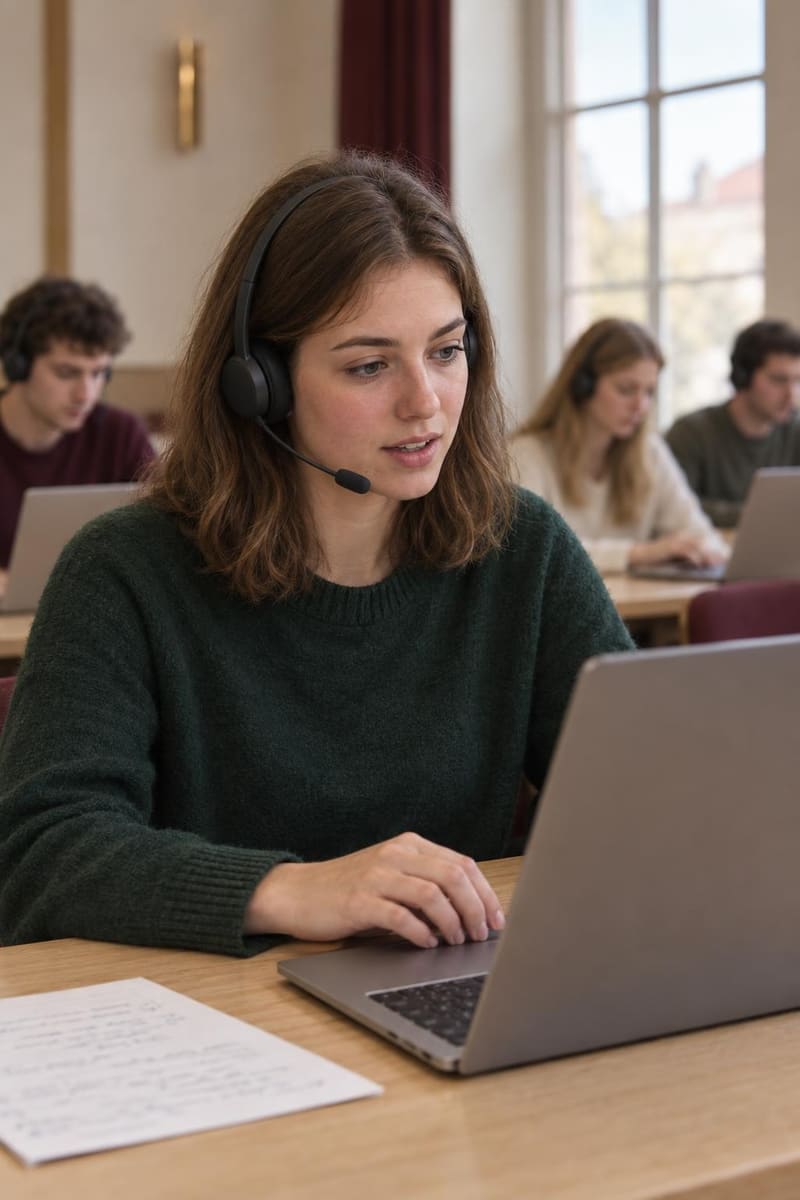
The examiner appears on screen as a restrained, continuously looping video. Students hear the questions in a Hungarian voice through their headphones, and the same text is shown on screen.
Questions are not simply read from a fixed list: the examiner checks which essential content the student has already demonstrated, where clarification is needed and which requirements have not come up yet. It does not re-ask knowledge that was properly shown, does not hint at the answer, and does not assess accent, speaking pace or confidence.

The supervisor’s view
The supervisor in the room uses a separate interface showing the full roster, including students who have not logged in yet. In card and list views they can follow who is checking devices, who has drawn a topic, who is preparing, who is answering and who has finished. The drawn topic, remaining time, connection status and help requests are all visible.
Clicking a student opens their exam session: the examiner’s questions and the student’s submitted answers appear chronologically in a conversation view. The transcript still being formed is shown separately as non-final content. The supervision interface is observational: it does not change time or topics.
The teacher’s workspace
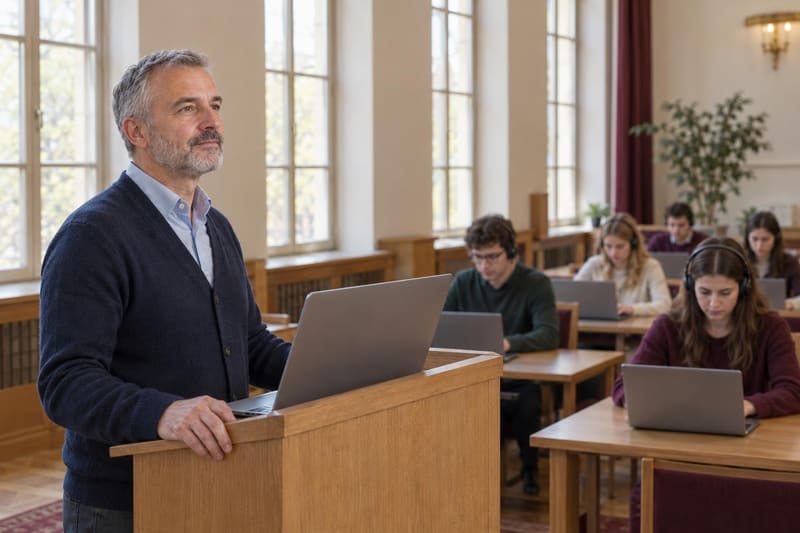
The institution manages subjects and topics in a separate teacher interface. Each topic can have a task, source material, an expected answer and detailed assessment criteria. The system can draft a proposal from the source material for the teacher to edit, but never approves it automatically: only teacher-checked topics are used in live exams.
Requirements can be split into essential, expected and supplementary knowledge with different weights. Teachers also manage the student roster and time limits. Curriculum management and exam supervision have separate permissions.

Glossary
- Topic (tétel)
- The task that can be drawn in the exam: title, description, source material, expected answer and assessment criteria.
- Exam session
- One student’s exam from login to closing, with its own question-and-answer transcript and event log.
- Essential, expected and supplementary knowledge
- The three weight levels of requirements: they count 3×, 2× and 1× in the summary.
- Demonstrated / partial / not demonstrated / needs review
- The states of the per-requirement analysis. A positive finding is tied to a quote from the student’s answer; without a verifiable quote the item needs review.
- Content coverage
- The demonstrated share of the weighted requirements. An informative summary, not a grade.
- Curriculum snapshot
- The curriculum captured at login that the exam session works from; later edits do not change it.
- Live transcript
- Speech recognition text visible to the supervisor that has not been submitted yet and is not final.
- Exam report
- The downloadable PDF of a closed exam: student and topic data, analysis, transcript and event log.
Get in touch
See it live.
In an online demo we walk through the student, supervisor and teacher views.
Request a pilot demo