Student
A safe, focused exam environment.

Logs in with an assigned ID, draws a topic, prepares, then answers the virtual examiner out loud.
Working pilot
AI is a problem for take-home work – but a huge help in oral examinations.
A safe, focused exam environment.
Logs in with an assigned ID, draws a topic, prepares, then answers the virtual examiner out loud.
A live overview of the whole room.
Sees where everyone is, how much time is left and who needs help.
Structured analysis, retrievable answers.
Approved topics, weighted requirements and analysis backed by quotes.
Why now?
In the age of generative AI it is increasingly hard to tell from a well-written essay whether its author truly understands the concepts, can explain connections and apply what they learned. In an oral exam, students have to account for their knowledge there and then, in their own words.
With large cohorts this would take an enormous amount of teaching time. Polibeli solves the capacity problem: it runs individual exam sessions in parallel, while the institution keeps control of the curriculum, the requirements and the final decision.

Thirty to forty individual oral exams in one room – each one built on the student’s own line of thought.
The Polibeli virtual examiner keeps oral exams personal, fair and professionally reliable even at scale – under teacher control.
The student picks from face-down cards; the server assigns the topic at random. One draw only.
A separately configured preparation time with the topic always visible. Students who are ready can start early.
A self-directed exposition, then targeted follow-up questions. The system records the answer and produces a transcript.
The teacher decides on the grade based on the per-requirement analysis, the transcript and the report.
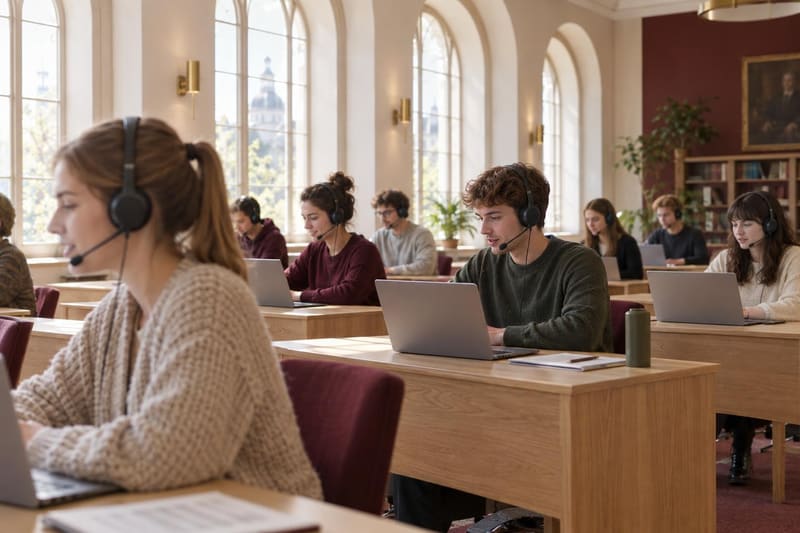
One room, many individual exams
Every student sits at their own laptop with headphones and a microphone. The examiner appears on screen as a restrained, continuously looping video; students hear each question in their headphones and read the same text on screen.
Two exam modes
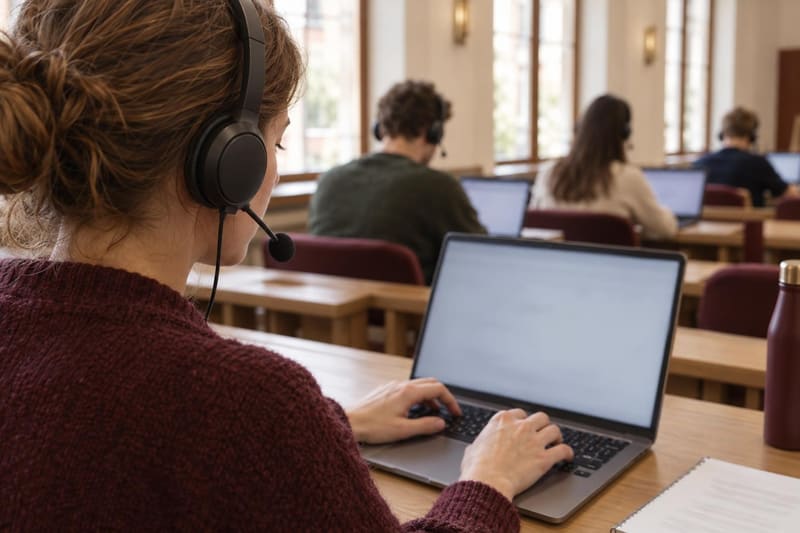
During preparation students can type their own outline and reopen it while answering; while speaking they see the recognised text of their answer. The outline is not assessed – the live answer is always spoken.
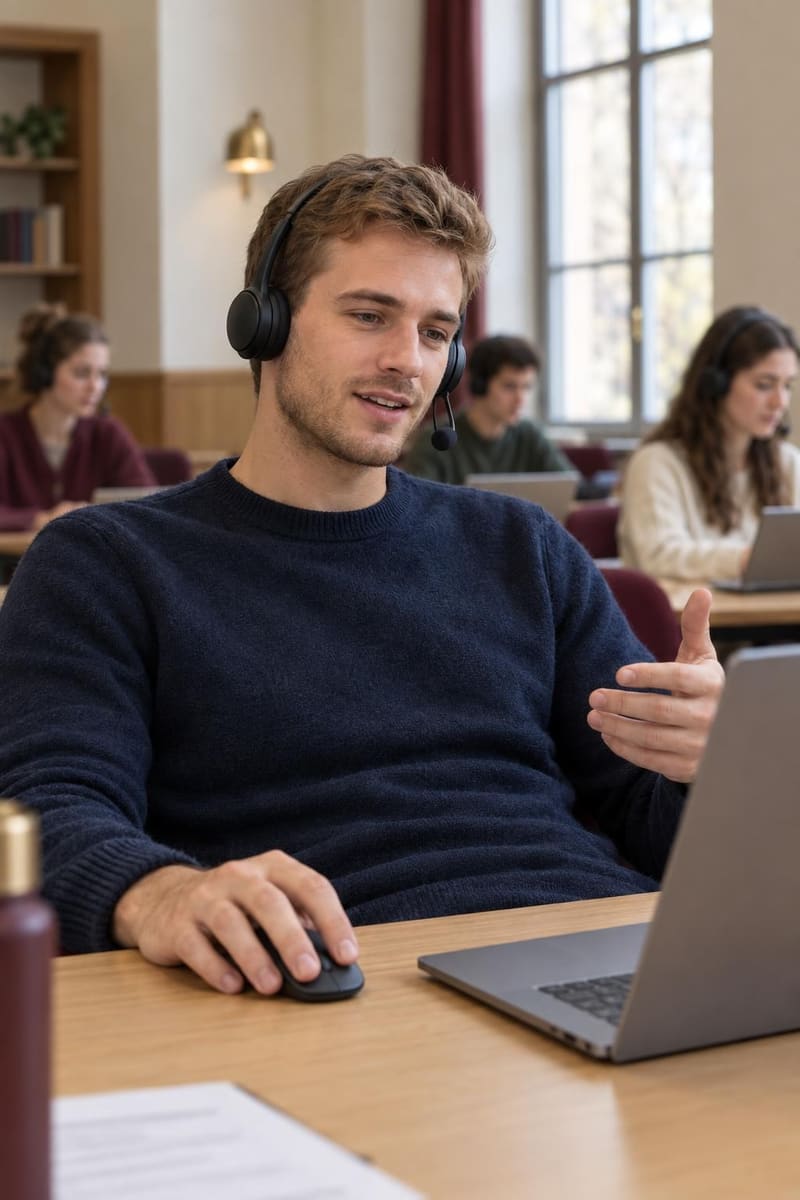
Mouse and microphone only, with no note field. Students speak to the examiner and move on with a few large, unambiguous buttons. The interface shows that the microphone works and recording is running; the transcript is shown once the exam is closed.
Documented answers
For every answer, the question-and-answer transcript, the per-requirement analysis and the event log are available in one place. The audio recording is stored separately on the server.
Teacher control
The system can draft a proposal from the source material, but it never approves anything automatically. Only teacher-checked topics can be drawn in a live exam.
Essential, expected and supplementary knowledge with different weights. Follow-up questions move towards the heavier requirements that are not yet demonstrated.
It does not re-ask knowledge already shown, does not hint at answers, and does not assess accent, speaking pace or confidence.
Each exam session works from the curriculum captured at login: later edits never change the yardstick of an exam that has already started.
Where we are
The student logs in with an assigned ID and starts with a device check: listening to a test sentence, checking the microphone and confirming the recording notice. Then the student draws a topic from face-down cards, prepares and answers out loud. The answer starts with a self-directed exposition, followed by targeted follow-up questions. Closing the exam requires a separate confirmation.
The virtual examiner asks the questions. It appears on screen as a restrained, continuously looping video; the student hears each question in the headphones and reads the same text on screen. A supervisor is present in the room, and the final grade is decided by the teacher.
No. The examiner focuses on content: it does not assess accent, speaking pace or confidence, does not hint at answers, and does not re-ask knowledge that was already properly demonstrated.
The institution’s teachers. Each topic can have a task, source material, an expected answer and detailed assessment criteria. The system can draft a proposal from the source material, but never approves anything automatically: only teacher-checked topics are used in live exams.
One laptop per student with a supported Chrome or Edge browser, a headset with microphone and a stable network connection. The system runs in the browser and needs no installation. Before institutional roll-out we recommend a room test with 30–40 real headsets.
Get in touch
See how the Polibeli virtual examiner can fit into your university’s processes.
Request a pilot demo